|
|
|

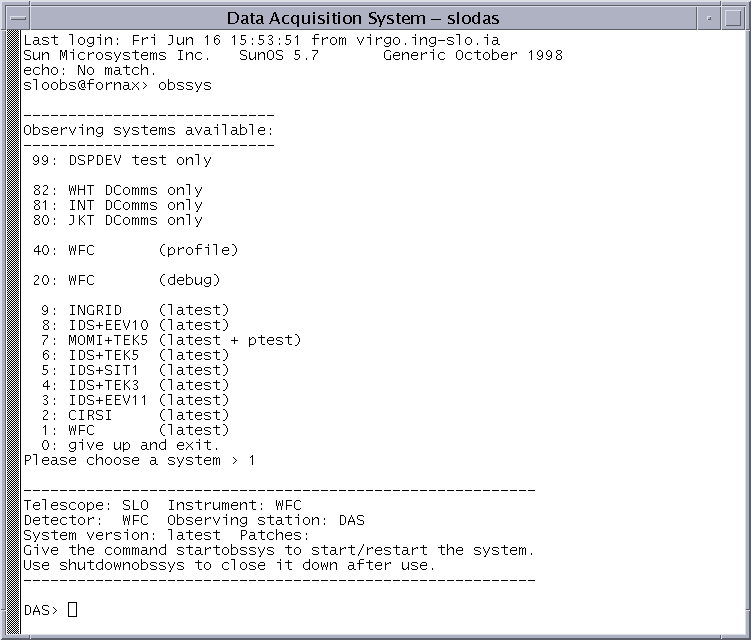 To start the system use the startobssys command.
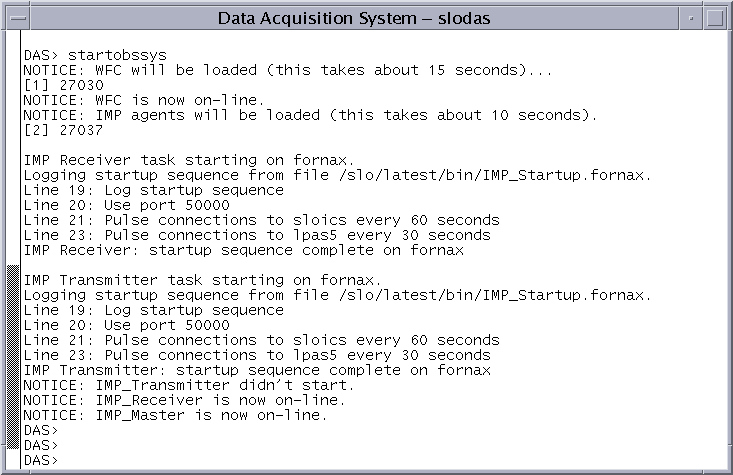 The example given shows the WFC DAS being started.
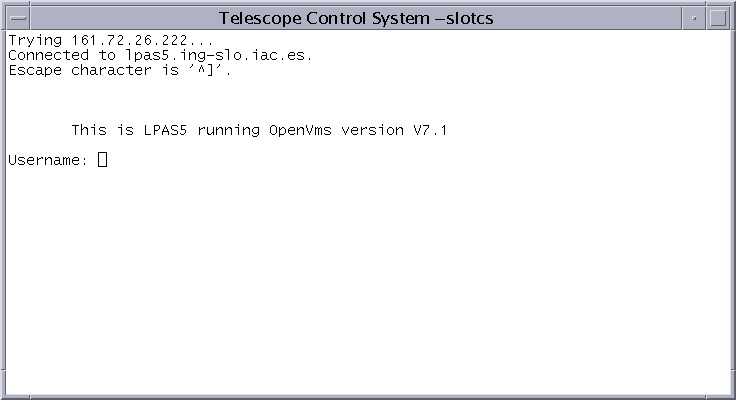 The Username is dependent on which telescope you wish to simulate ie wht_login,
int_login or jkt_login. Use the correct password for the telescope user you
have selected.
The Username is dependent on which telescope you wish to simulate ie wht_login,
int_login or jkt_login. Use the correct password for the telescope user you
have selected.
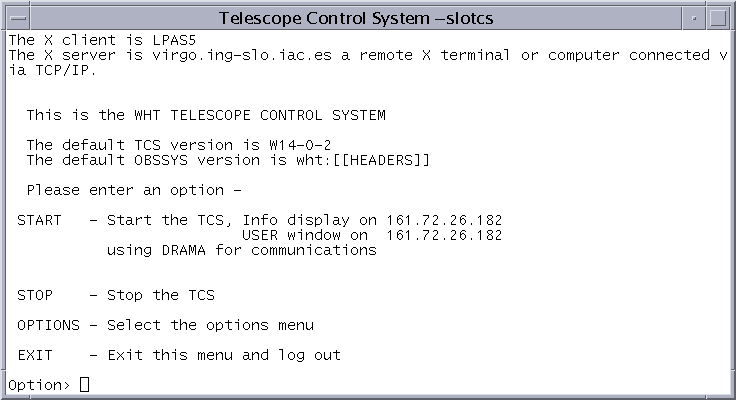 After logging in it is neccesary to set the DISPLAY variable to have the
TCS windows displayed on the correct display. Select the OPTIONS menu and from
this menu select DISPLAY. Give the IP number or full address for the display
you are using.
After logging in it is neccesary to set the DISPLAY variable to have the
TCS windows displayed on the correct display. Select the OPTIONS menu and from
this menu select DISPLAY. Give the IP number or full address for the display
you are using.
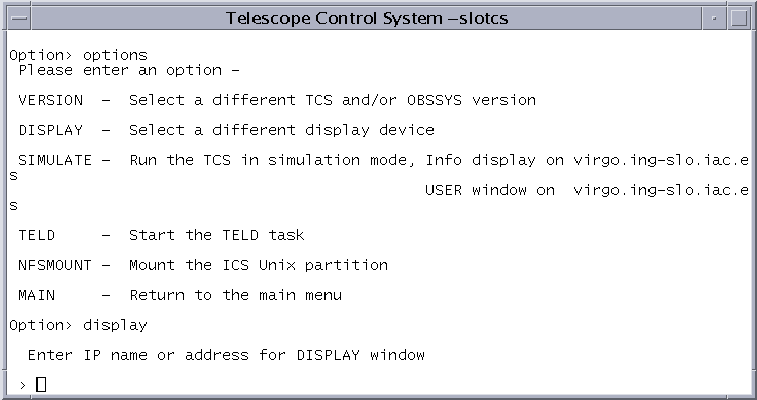 Repeat this for the TCS USER window display IP number. The TCS is started in
simulate mode this is done from the OPTIONS menu, select the SIMULATE option
Repeat this for the TCS USER window display IP number. The TCS is started in
simulate mode this is done from the OPTIONS menu, select the SIMULATE option
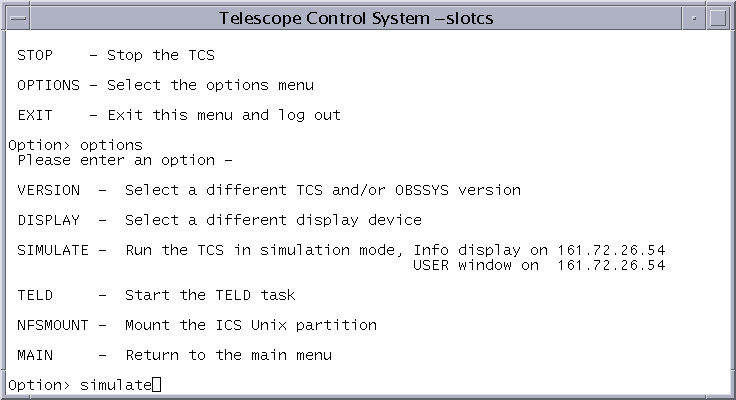 The TCS info and user windows should now be displayed.
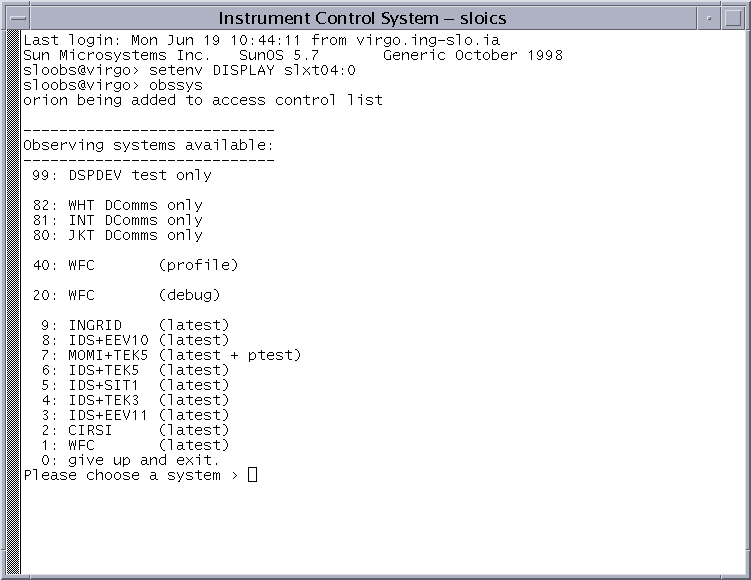 To start the system use the startobssys command.
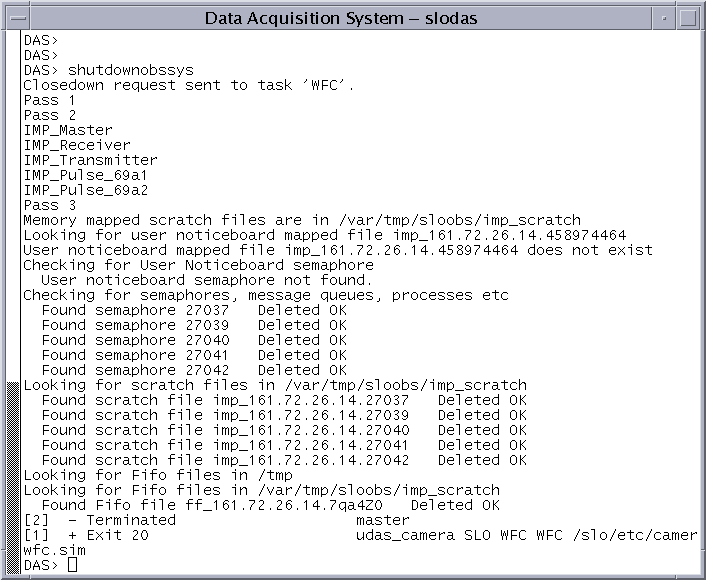 The example given shows the WFC DAS being stopped.