To update the Hummingbird NFS maestro
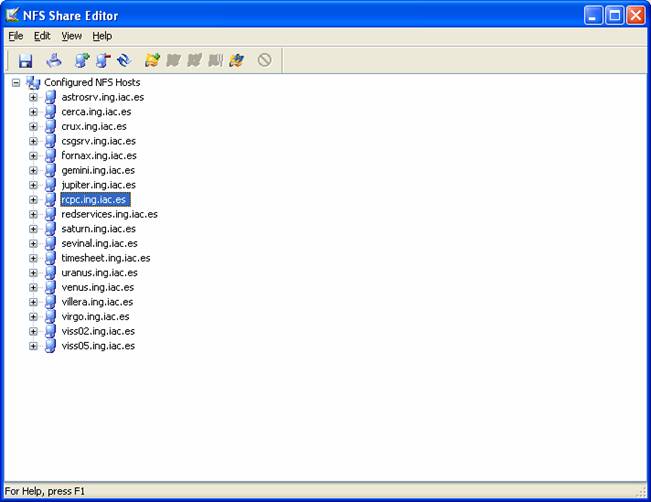
client list of available directories coming from redservices, open the NFS maestro client submenu and select
the option NFS Share editor, should
get a window like this.
The number
of available hosts may change. Select redservices if it exists and delete it by pressing Ctrl-D. Once deleted or if it didn’t
exist, create it again by pressing Ctrl-N
and typing the host name redservices. When created, the window should look like this
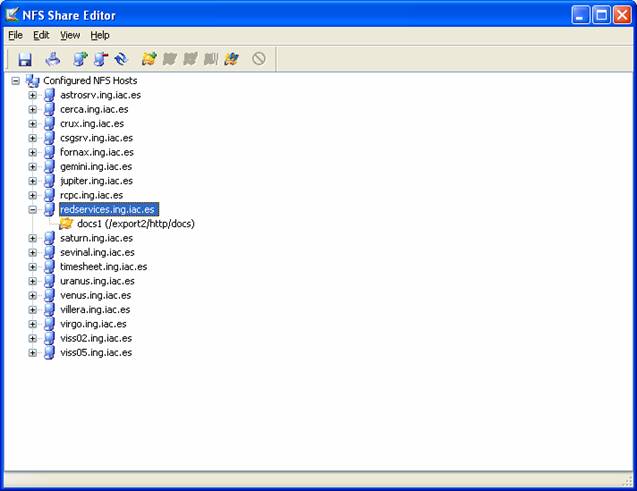
Type Ctrl-S to save the changes done and
close the windows.
Now is time
to map the docs like a network disk.
Open the NFS Network access window
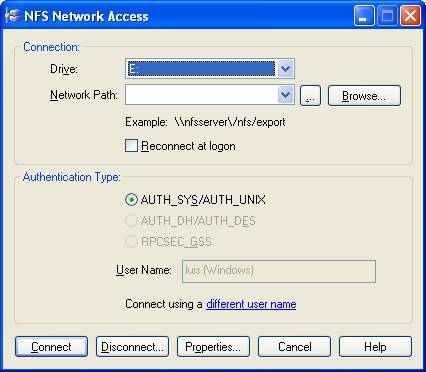
and on
the Network Path folder type \\redservices\/docs
and then Connect. A confirmation of
the action should come up.
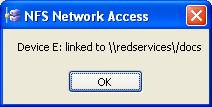
In this case, the docs directory is mapped to disk E.